
01 — PERSONAL AGENTS
Your agents. Their own strengths.
Create dedicated roles from your existing Hermes Profiles. Give each a name, avatar, prompt, and rules to make their responsibilities clear.
A PLACE FOR YOUR AI TO WORK TOGETHER
Yaoyao AI brings personal agents, group collaboration, files, and voice settings into one workspace. Keep your AI team working across Web, macOS, iOS, and Android.
An open-source AI workspace powered by Hermes · Apache-2.0
01 / A WORKSPACE THAT THINKS WITH YOU
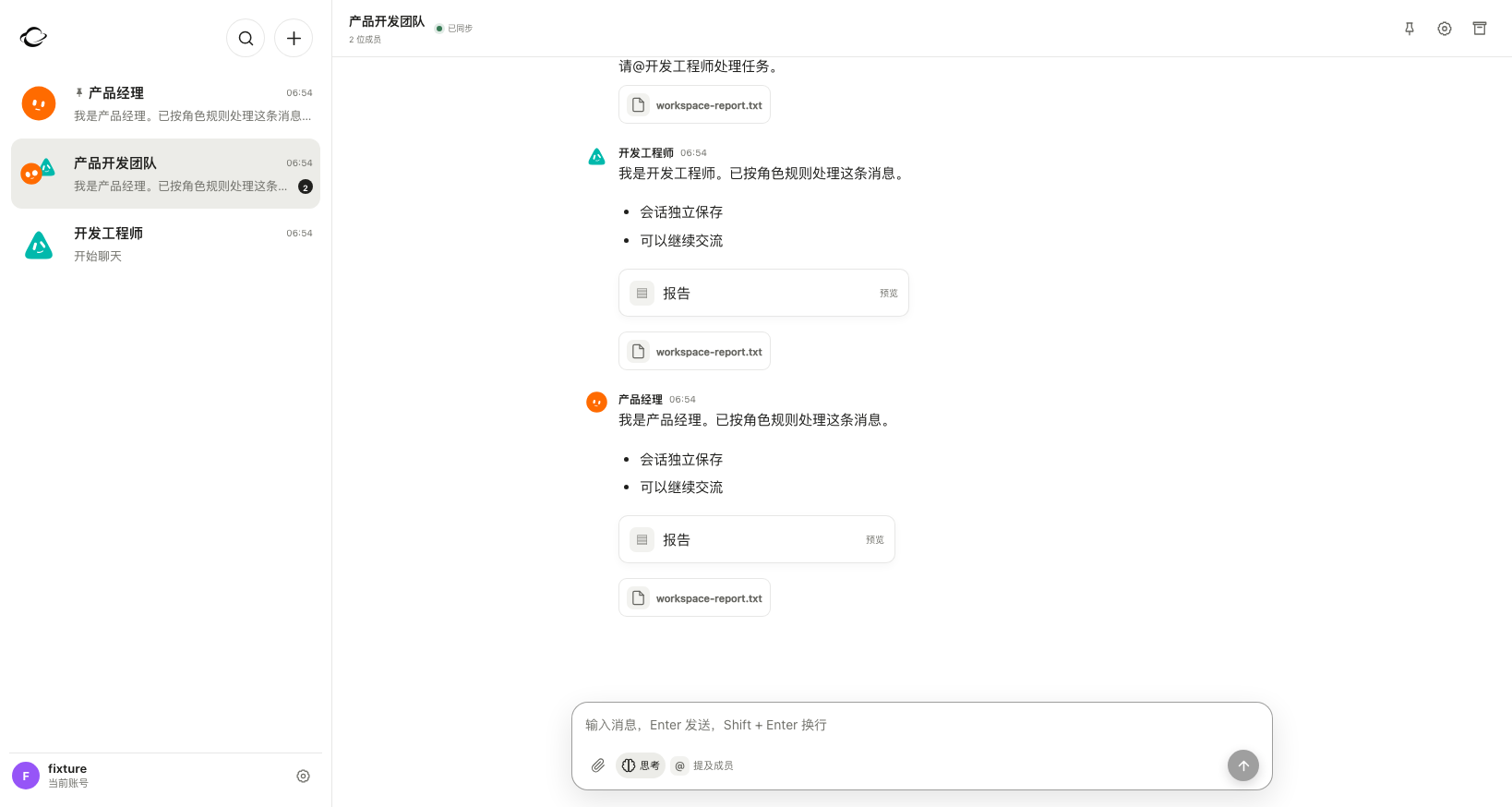
Bring agents with different strengths together. Bot mode can also use a computer and a separate browser. Take over the desktop when a step needs your input, then hand control back to the bot.
01 — PERSONAL AGENTS
Create dedicated roles from your existing Hermes Profiles. Give each a name, avatar, prompt, and rules to make their responsibilities clear.
02 — TEAM COLLABORATION
Bring agents into group chats. Choose coordinator-led or free collaboration, mention a specific agent, and set the rules and reply rounds.
03 — CONNECTED FILES
Images, documents, and attachments come together in your library. Search, filter, preview, and return to the conversation where it all began.
04 — YOUR MODELS
Configure model and voice services in one place. Choose capabilities for each task, while Hermes manages tools, skills, and memory.
02 / BETTER TOGETHER
Eight team templates bring different perspectives together from the start. Assign your existing agents to roles that apply only to the current group chat.
Find, verify, and organize
From needs to a product plan
Design, build, and review
Plan, draft, and refine
Progress, dependencies, risks
Turn data into insight
Before, during, and after
Release, monitor, resolve
Distinct roles. A shared goal. Independent conversations.
03 / ALWAYS WITH YOU
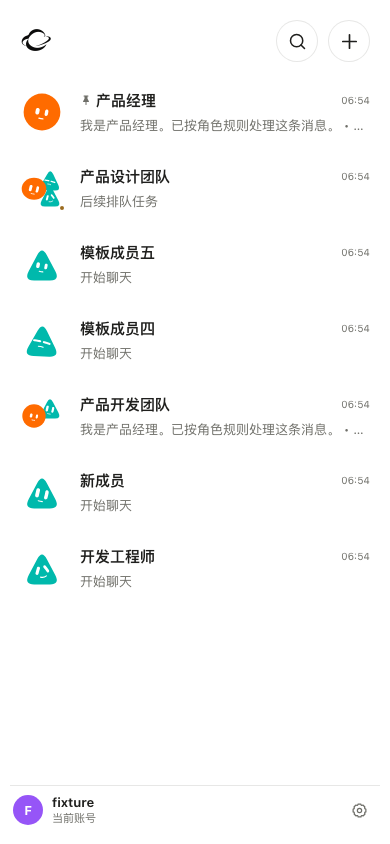
Start Yaoyao on macOS, then connect Web, iOS, or Android to the same server and continue with the same account. You can also host your workspace on your own server with Docker.
Choose the macOS or Android installer on the latest release page. macOS requires Apple Silicon; the app is development-signed and not notarized. Android requires Android 12 or later; it cannot replace a development build signed with a different key.
04 / YOUR SPACE, YOUR CONTROL
Deploy Yaoyao with Docker and connect your chosen Hermes service. Persist and back up accounts, files, and conversations on your own server.
Read the Docker guide
Models and voice services may use remote providers. Where data goes depends on the services you configure.
LET’S MAKE SOMETHING GREAT.
Make a little room for what comes next.
Deploy Yaoyao